
iOS parental controls: going beyond Apple’s built-in restrictions
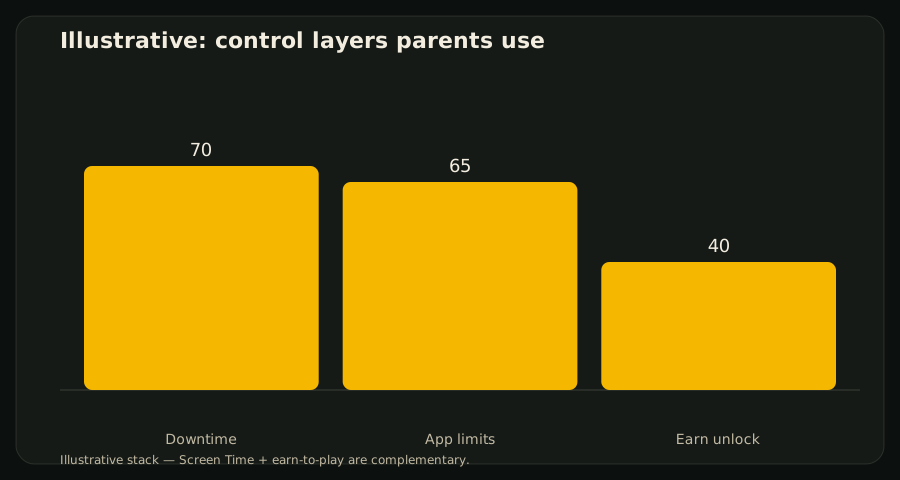
Apple ships serious parental controls: Family Sharing, Screen Time, Downtime, and app limits. Many families stop there — and still fight every evening. Going beyond native restrictions means adding a positive unlock path, not ripping Screen Time out.
What Apple already covers
Apple documents setup for Screen Time and Family Sharing. These tools schedule and limit. They do not ask a child to practice letters before Minecraft opens.
The missing layer
An earn-to-play layer answers motivation: complete a short learning check, clear shields for N minutes, re-apply automatically. That requires Apple’s Family Controls APIs — the same stack Screen Time uses — plus an app that implements the quiz-to-unlock loop.
Practical stack
- Keep Downtime / Always Allowed for bedtime and essentials.
- Gate entertainment apps.
- Add earn-to-play for the apps you are willing to unlock with learning.
- Review weekly whether minutes and challenge difficulty still fit.
How EarnPlay fits
EarnPlay sits on Family Controls. Full comparison: EarnPlay vs Apple Screen Time. Support: /support/earnplay.
References
- Apple Screen Time — https://support.apple.com/en-us/105062
- Apple Family Sharing — https://support.apple.com/family-sharing