
How it works
Positive incentives, enforced on device.
Three steps for parents and kids — no daily timer battles.
-
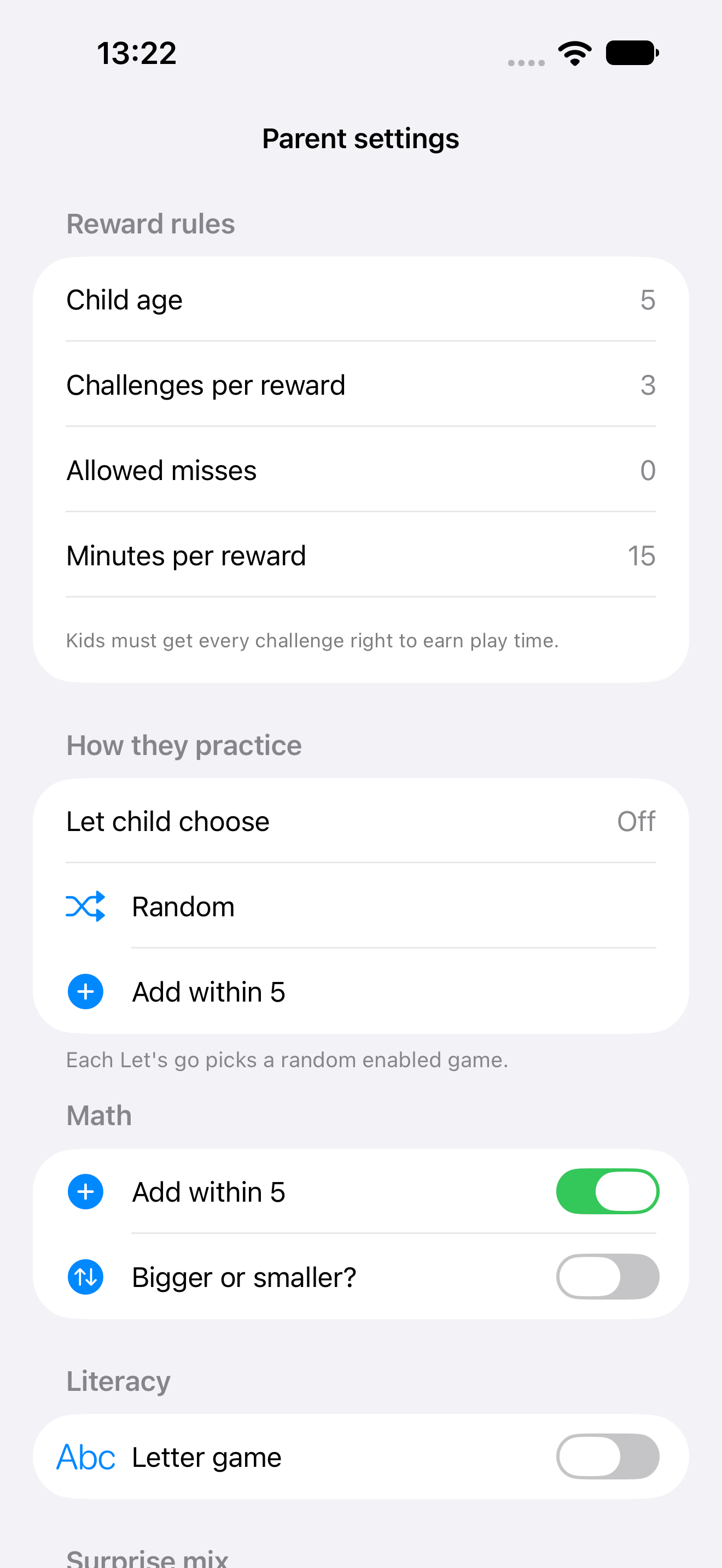
1 Parent picks gated apps
Use Apple's Family Activity picker to choose YouTube, Minecraft, or other apps that require earned minutes.
-
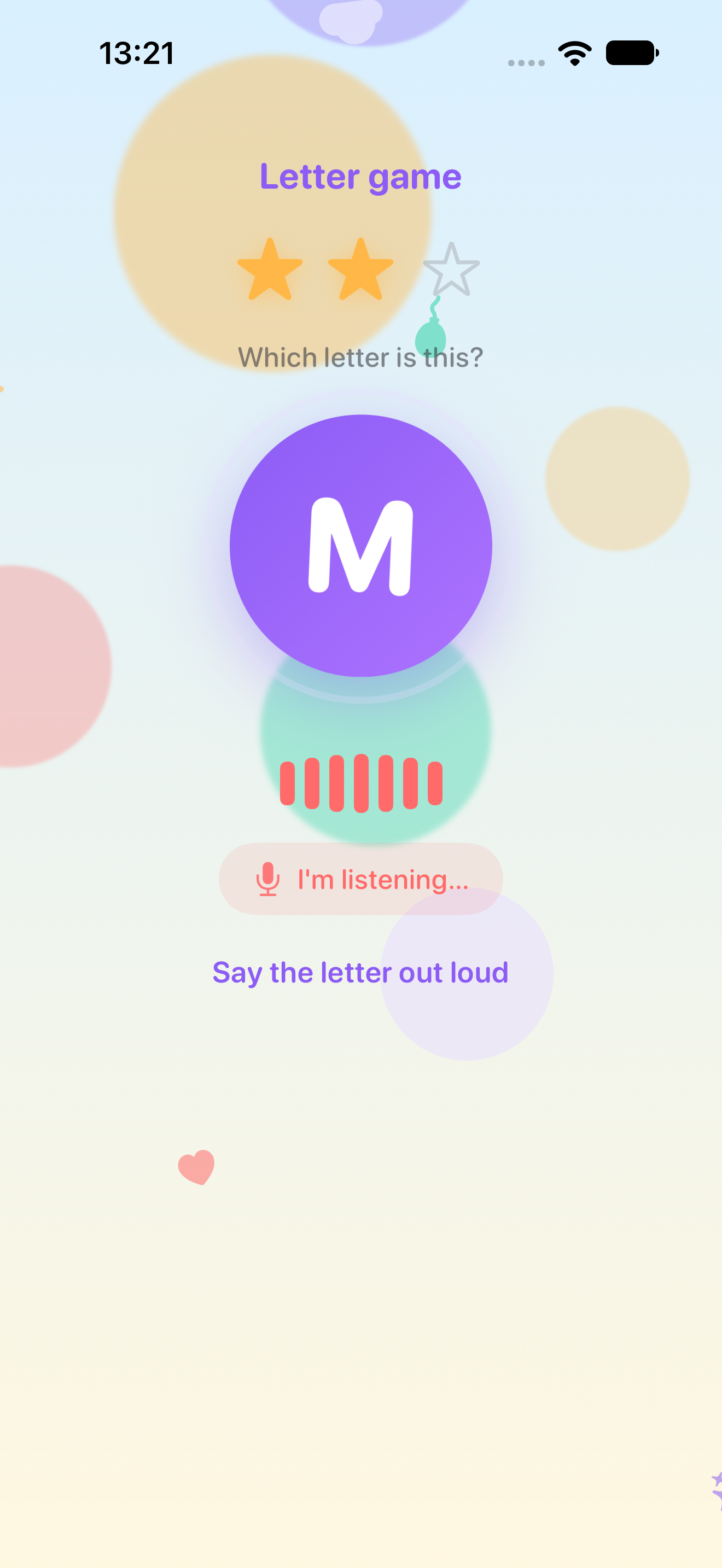
2 Child earns with letter quizzes
A big letter appears on screen. Voice or tap to answer, gentle retry on mistakes, and instant celebration when the threshold is met.
-
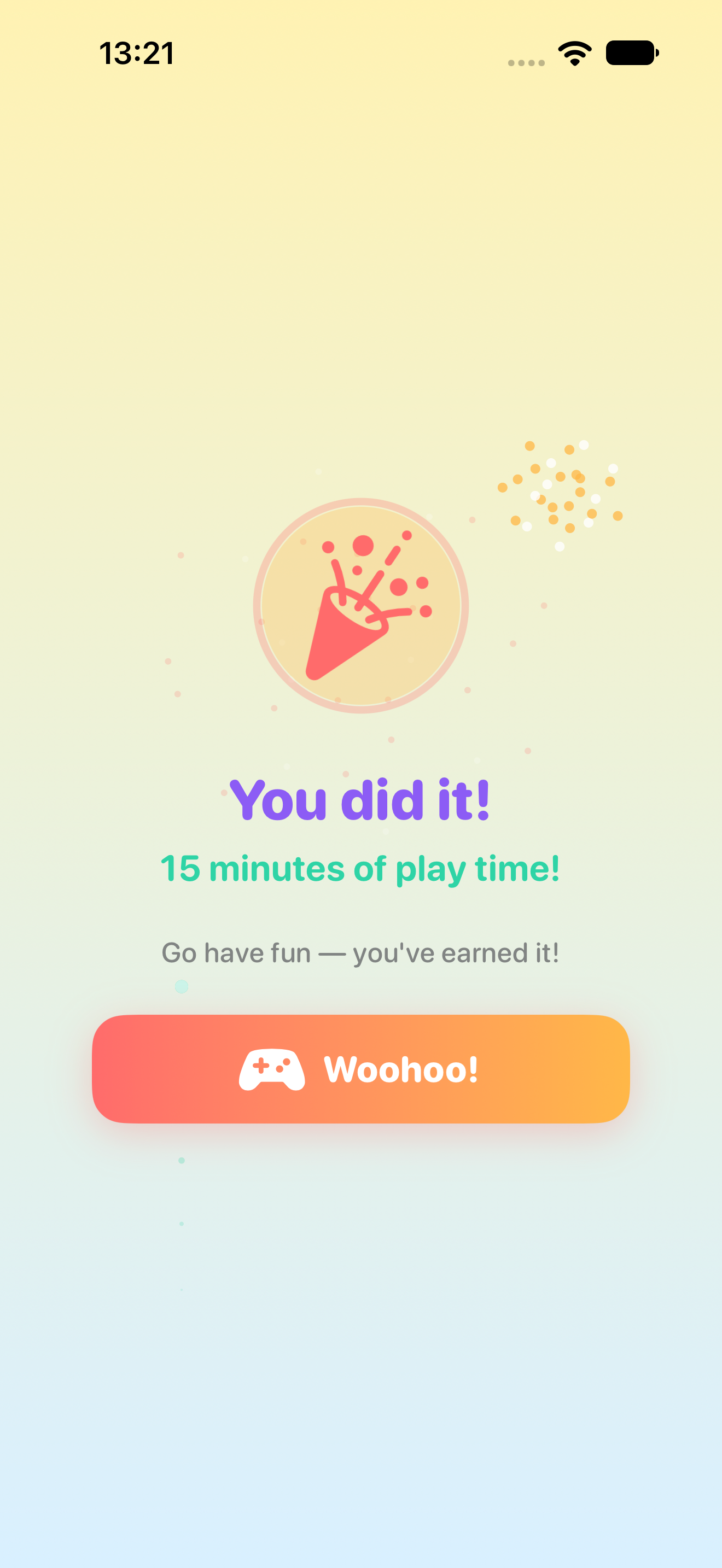
3 Play, then auto-lock
Gated apps unlock for the minutes you configured. Screen Time shields return automatically — no manual policing.
Core loop
Locked → learn → play → locked.
The flow EarnPlay enforces with Apple's Screen Time APIs.
- Apps show a shield until earned time is available
- Child opens EarnPlay and completes alphabet challenges
- Passing grants a shared pool of play minutes
- Gated apps unlock for the configured duration
- Timer ends and shields return without parent intervention
Inside the app
Learn a little. Unlock a little.
Kid challenges, parent controls, and the reward moment — captured from the live App Store build.


Why it works
Better than limits alone.
- Rewards learning instead of only saying no
- Technical enforcement via Apple Screen Time — not honor system
- Kid-first UI: big visuals, voice input, games for ages 4–10
- Core loop runs fully on-device with no child account
Early feedback
Notes from families who tried it.
Composite early-feedback notes — realistic, a little funny, still optimistic.
Bedtime used to be a negotiation with YouTube. Now it's finish three letters, get ten minutes. My six-year-old thinks she invented the system.
I was tired of being the screen-time police. EarnPlay made learning the ticket — not me. Funny how quiet the living room gets when Minecraft is locked.
Alphabet quiz, celebration fireworks, playtime. Watching my kid cheer for the letter Q was not on my bingo card — and I'm here for it.
Parents community
Share how you use EarnPlay.
Routines, earn-to-play framing, and ideas for new learning games — on Discord and this hub. The app itself stays free of social features.
FAQ
EarnPlay — common questions.
Product overview, setup, privacy, and availability.
What is EarnPlay?
EarnPlay is an iPad and iPhone app that gates parent-selected apps behind quick learning games. Kids earn minutes of play time by finishing short challenges — then apps lock again automatically when time runs out.
Which apps can parents gate?
Parents choose apps with Apple's Family Activity picker — for example YouTube, Minecraft, or other games. EarnPlay uses Screen Time APIs to shield those apps until earned minutes are available.
Does EarnPlay need the internet?
No. The core loop — quiz, reward, unlock, and auto-relock — works fully on-device. No account is required for children.
What age is EarnPlay for?
EarnPlay is built for kids about ages 4–10. Parents enable short learning games — letter names, beginning sounds, Make 10, age-banded maths (5–10), and geography — with big visuals, voice where it helps, and soft retries. Older challenge packs are on the roadmap; parents pick what fits each child.
How is this different from Apple Screen Time limits?
Screen Time can set limits, but it does not reward learning. EarnPlay turns minutes into a positive incentive — complete a short quiz, earn play time, then apps re-lock without a manual battle.
Is EarnPlay on the App Store?
Yes. EarnPlay Control is available on the App Store for iPhone and iPad (iOS 17+). It requires Apple Family Controls and a child Apple ID in Family Sharing. Download from the listing or search for EarnPlay Control.
Is there a parent community?
Yes. Parents share how they use EarnPlay, propose learning games, and talk through earn-to-play framing on the community hub and Discord. The app itself stays free of social features.
Get EarnPlay on the App Store
Download EarnPlay Control for iPhone and iPad, or read the support guide for Family Controls setup and how the learn-to-play loop works.
Download on the App Store (opens in new tab) Read the support guideSupport guide · Changelog · Terms · Privacy · support@patakolabs.com