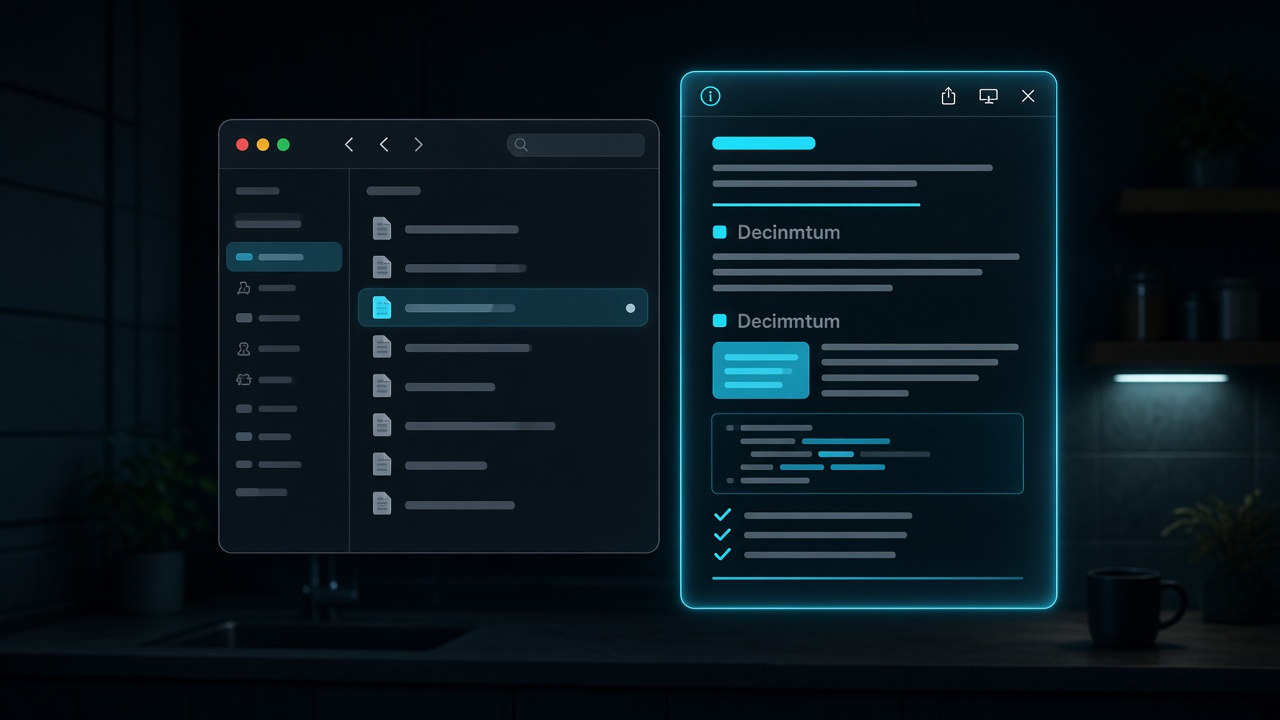
MD Quick Preview vs QLMarkdown and other Finder previews in 2026
macOS Quick Look (Space bar in Finder) shows plain text for most Markdown files unless a Quick Look extension renders HTML. MD Quick Preview is a PatakoLabs extension: press Space on .md, .markdown, .mdown, .mkd, or .mdx and see GitHub-style light or dark HTML, including tables and task lists. Rendering is on-device. It is free on the Mac App Store.
This page is for people searching for Markdown Quick Look macOS, a QLMarkdown alternative, or Finder Space bar Markdown preview.
Default Finder vs an extension
Without an extension, Space on README.md is a text dump. You lose headings, checkboxes, and tables. An extension’s only job is to make that preview readable.
Comparison
| Tool | How you get it | Themes | Notes |
|---|---|---|---|
| Built-in Quick Look | macOS | Plain text | No GFM rendering |
| QLMarkdown (open source) | GitHub / manual install | Configurable | Powerful; install path is on you |
| Other “preview Markdown” apps | App window, not Space | Varies | Extra app in the dock |
| MD Quick Preview | Mac App Store (and signed zip) | GitHub-style light/dark | Finder Space bar; sandbox-friendly |
When to pick which
Pick QLMarkdown if you want maximum knobs and are comfortable installing a community extension.
Pick MD Quick Preview if you want a small, App Store–installable preview that matches GitHub’s look and stays on the Mac.
Pick neither if you only open Markdown in VS Code or Typora — those editors already preview. Quick Look is for the Finder glance.
Bottom line
For Space-bar Markdown in Finder, MD Quick Preview is the PatakoLabs option: native Quick Look, GitHub-style HTML, local files, no account.